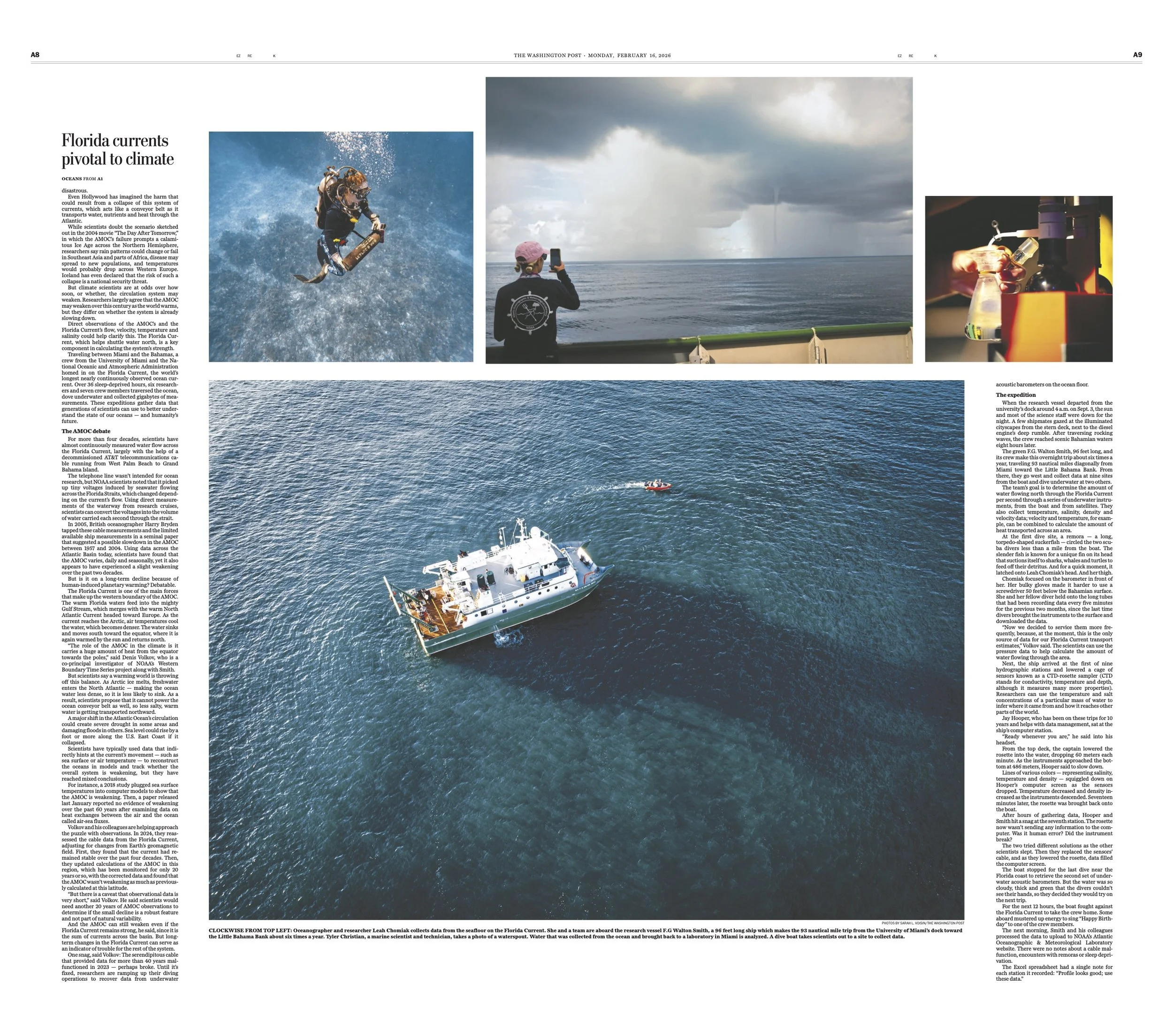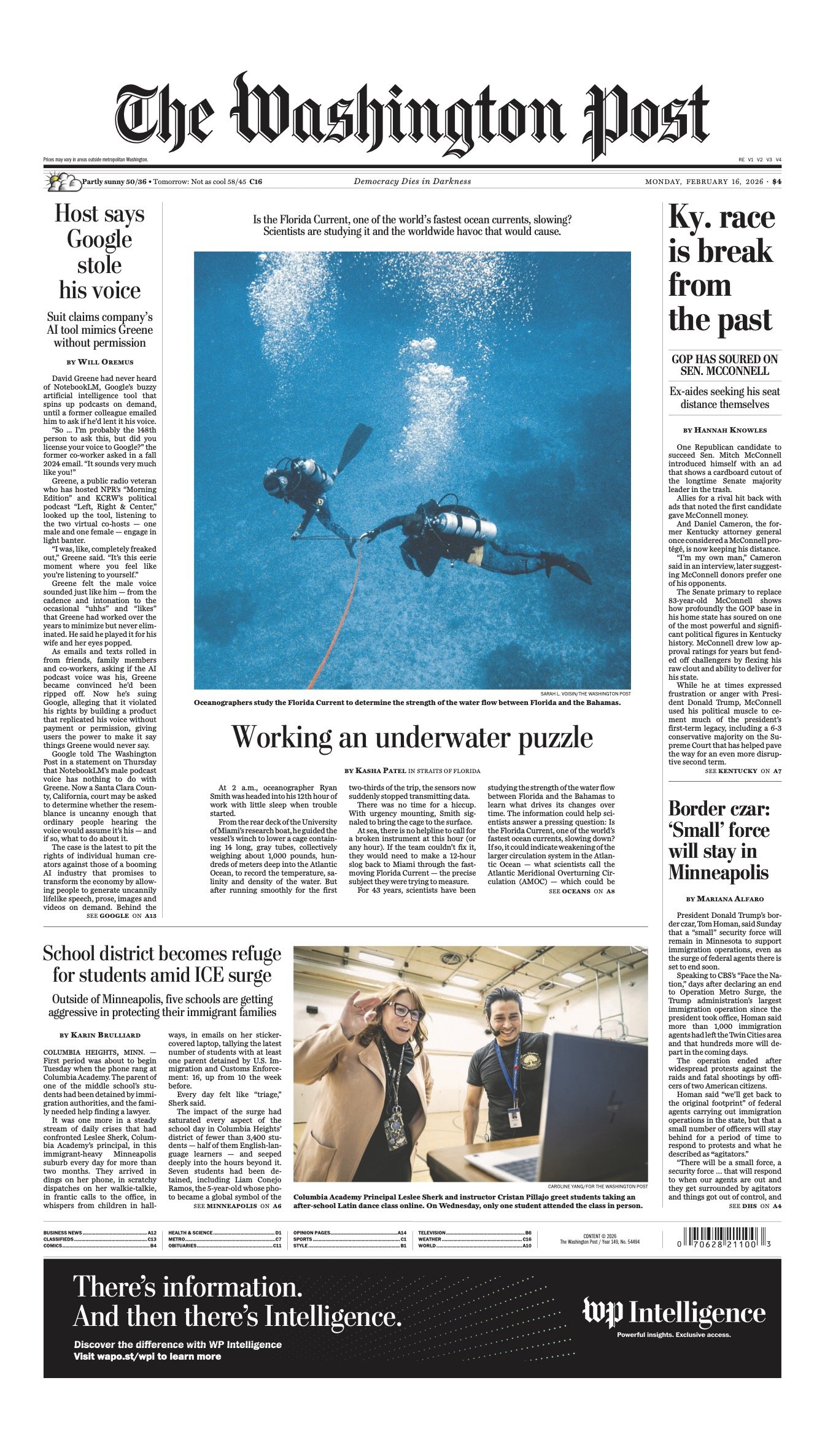
Visual Editing Example Three, for University of Missouri,
Why Changes in a Florida Ocean Current Could Wreak Havoc Worldwide
Scientists are investigating whether a major Atlantic Ocean current is changing as global temperatures rise. The current plays a central role in regulating climate by transporting heat through the ocean, influencing weather patterns, sea levels, and ecosystems across the Atlantic basin. To determine whether long-term shifts are occurring beyond natural variability, oceanographers conduct repeated research voyages to deploy and retrieve instruments anchored deep below the surface. These devices collect data on temperature, salinity, and current speed, allowing researchers to measure processes that are largely invisible but globally consequential. The work is carried out under physically demanding conditions and contributes to a broader effort to understand how climate change may be altering fundamental systems that shape regional climates and coastal vulnerability over time.
Climate Research Vessel: Visual Planning and Collaborative Editing
While working at The Washington Post, I was assigned to photograph scientists aboard a research vessel studying changes in the Florida Current, an important ocean current connected to the broader climate system.
Before the assignment, I anticipated the visual challenges of working aboard a boat for two days. I was concerned that the limitations of the environment could produce repetitive imagery—scientists working in cramped spaces, equipment on deck, and endless expanses of blue water and sky.
Thinking like an editor, I began considering what different perspectives could contribute to the story and how I could expand the visual possibilities before even stepping aboard.
Drawing on my experience as a certified drone operator and scuba diver, I developed a plan to photograph the research from three distinct perspectives: from the air, from the water, and aboard the vessel.
The drone photography would establish the scale and isolation of the research vessel in the open ocean. Photographs from the waterline would provide a perspective on the scientists retrieving instruments from beneath the surface. Images made aboard the vessel would document the scientists, their equipment, and the process of collecting data.
Each perspective would contribute something different to the visual narrative.
Executing this plan required extensive logistical and safety preparation, particularly around drone operations and the restrictions governing scientific diving. Although I wasn't permitted to scuba dive with the researchers, I was able to photograph from the water as they retrieved their instruments.
When I returned to Washington, I sat down with a photo editor to discuss the visual plan for the final presentation.
I was particularly pleased with the online presentation, which I felt was stronger than the newspaper version because of the diversity of images it incorporated. The combination of aerial photographs, water-level perspectives, and scenes aboard the vessel created a visually varied story that helped readers understand the scale, environment, and process of the scientific research.
One of the photographs I made from the water appeared on the front page of The Washington Post on February 15, 2026.
I chose this example because it demonstrates that strong visual editing begins before an assignment. By anticipating visual limitations, identifying the different kinds of images the story would need, and collaborating on the final presentation, I helped create a more complete and engaging visual narrative.
The experience reinforced my belief that visual editing is not simply about selecting the strongest individual photographs, but about understanding how different images complement one another and contribute to the overall story.
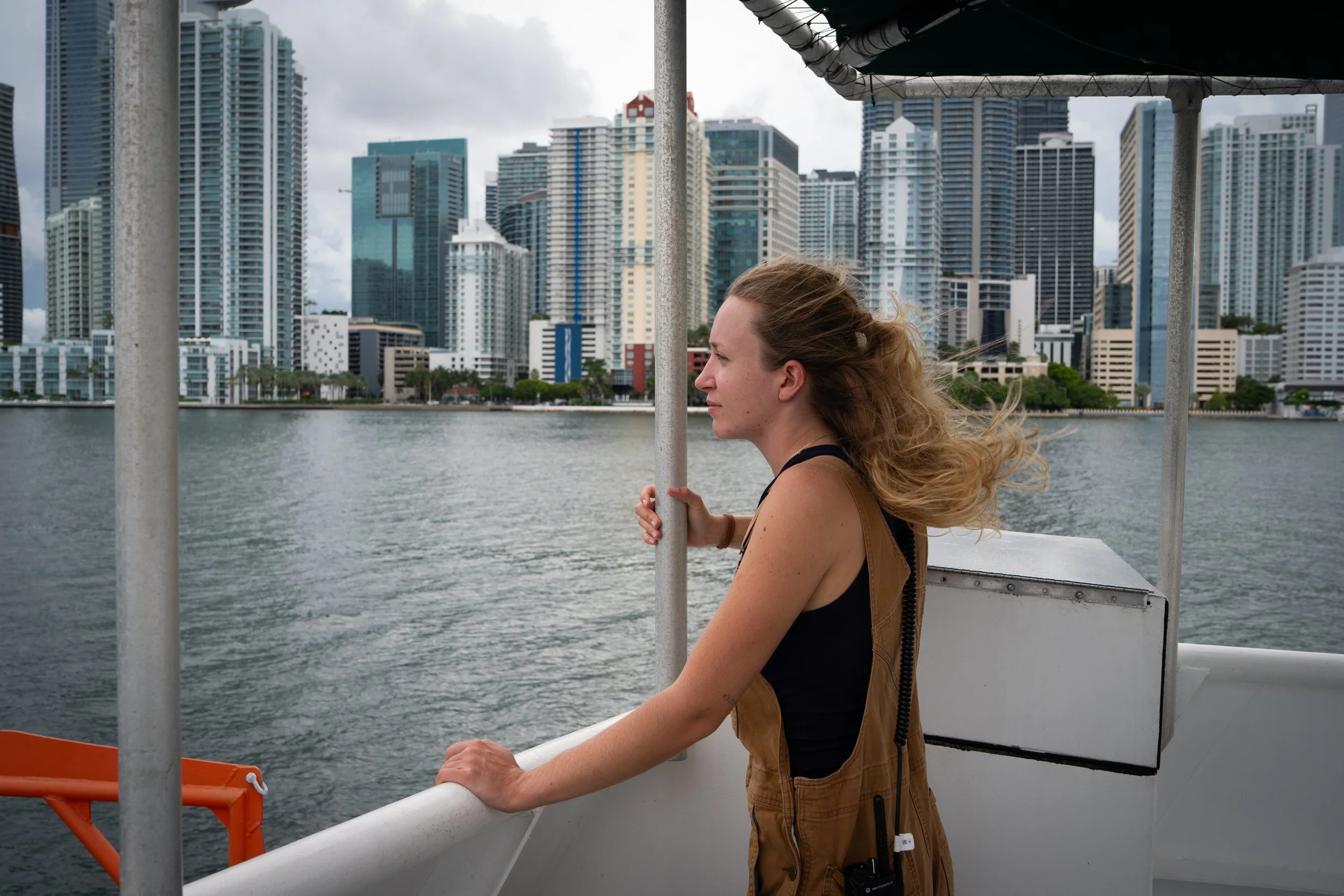
Assistant engineer Paige Fitzpatrick, 23, watches as the research vessel F.G. Walton Smith navigates Miami Harbor in early September 2025. Scientists aboard are beginning a mission to collect data on the Florida Current, a key component of Atlantic ocean circulation.
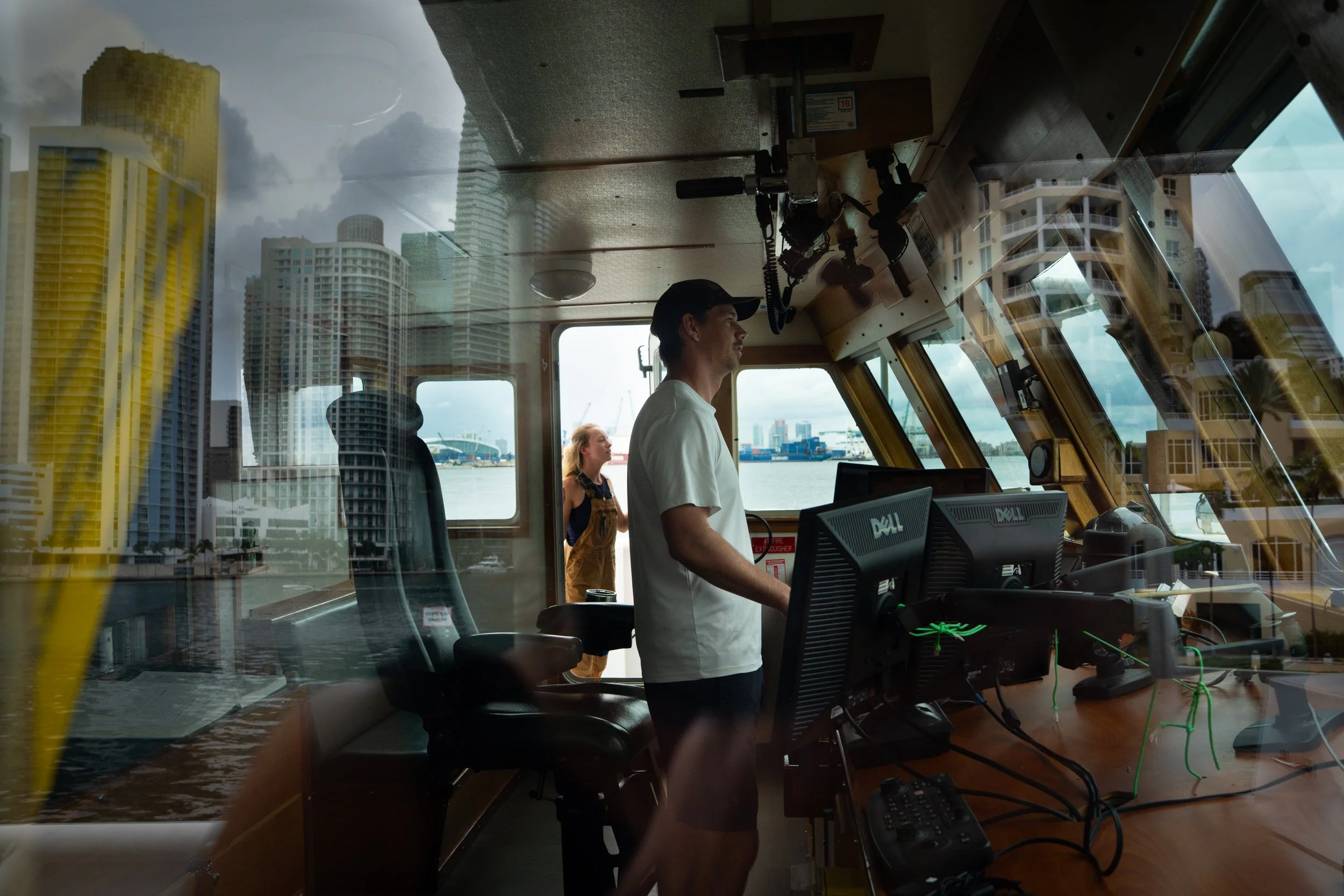
Captain John Cramer, 36, pilots the vessel back toward shore as assistant engineer Paige Fitzpatrick stands in the doorway on the morning of September 4, 2025.
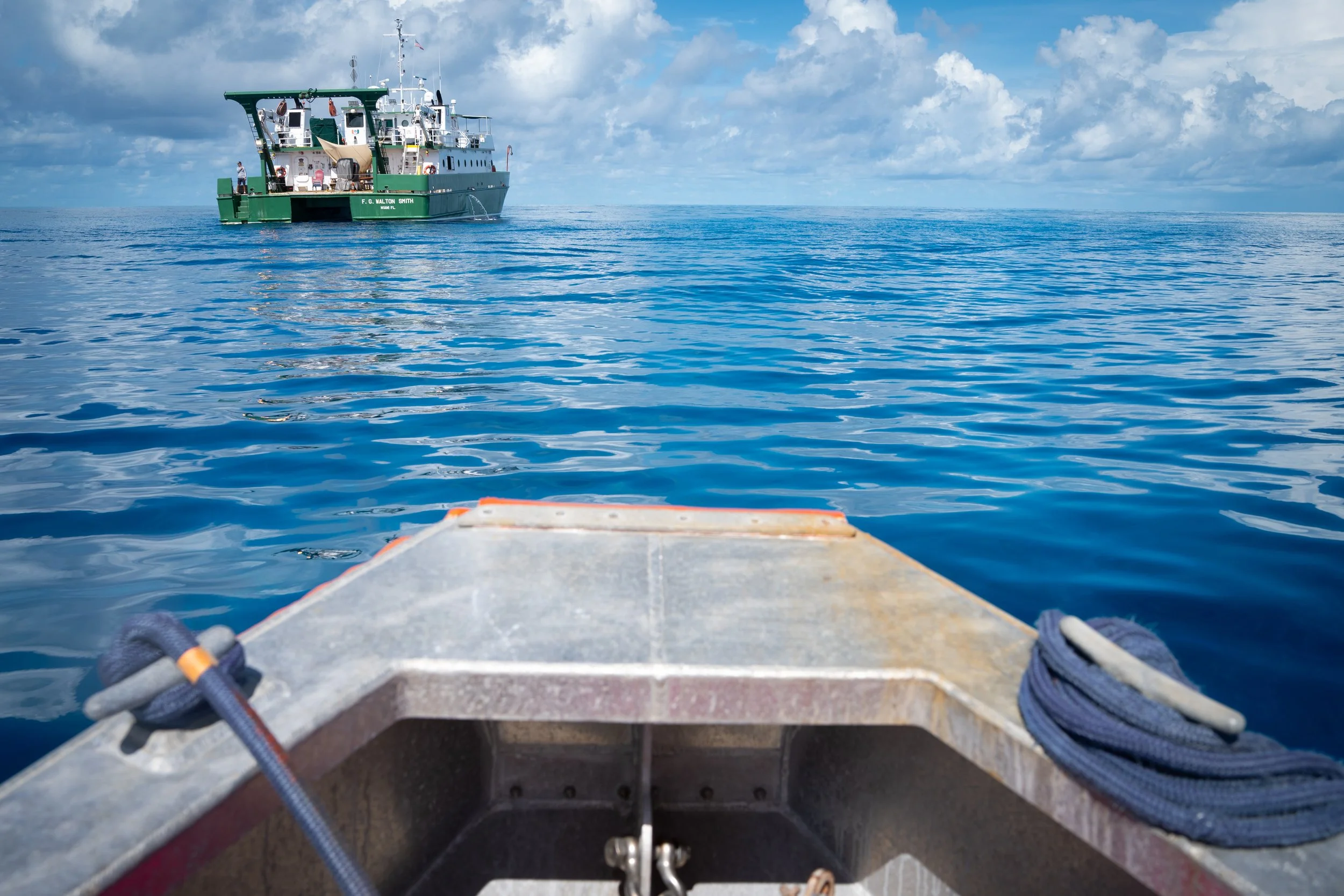
A team of divers returns to the ship after retrieving a scientific instrument from the seafloor that had been collecting data on the Florida Current.
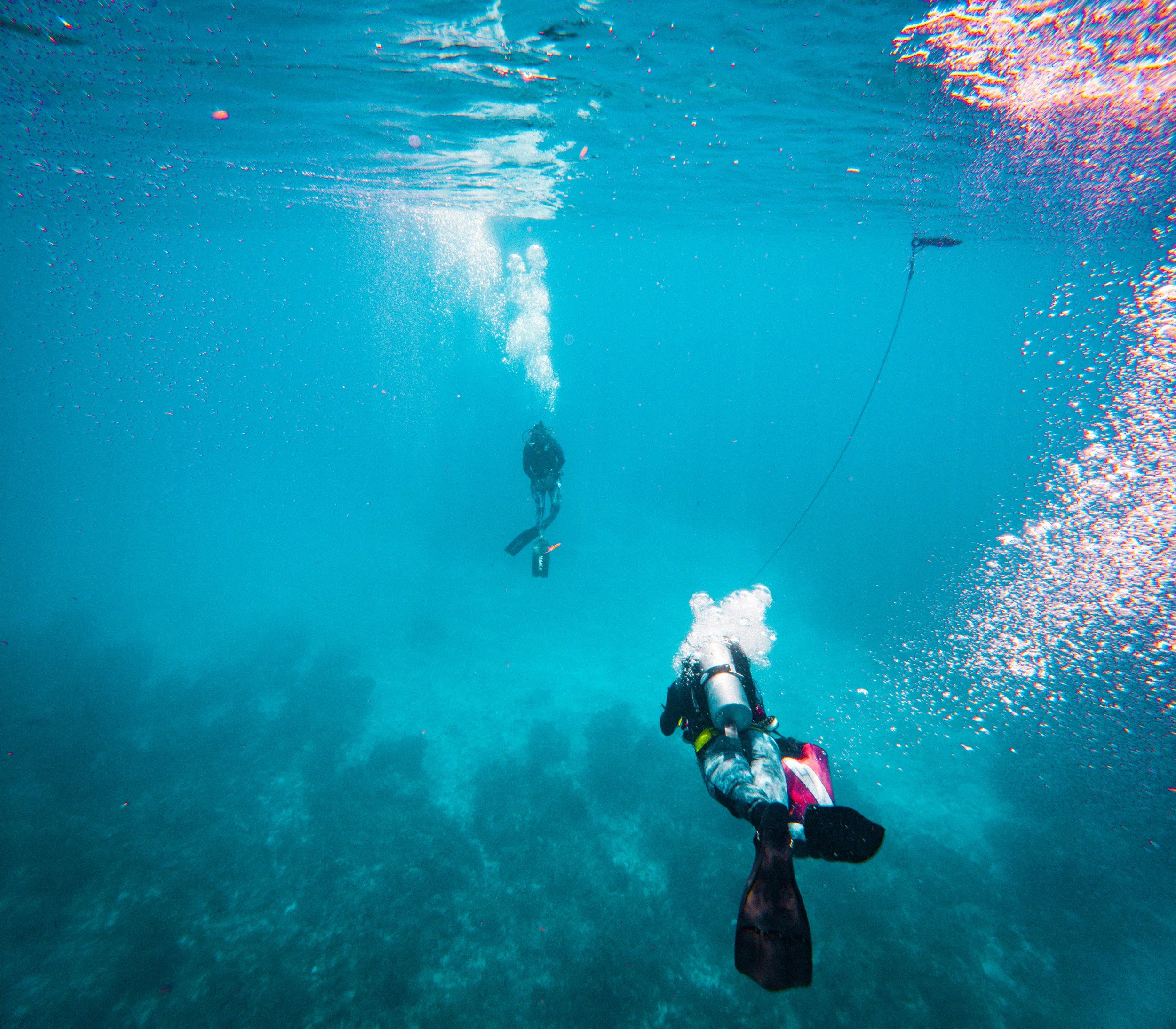
Leah Chomiak, 29, a postdoctoral researcher and physical oceanographer, left, and Zach Barton, 36, a technician and engineer, dive toward the seafloor to recover an instrument during the research mission.
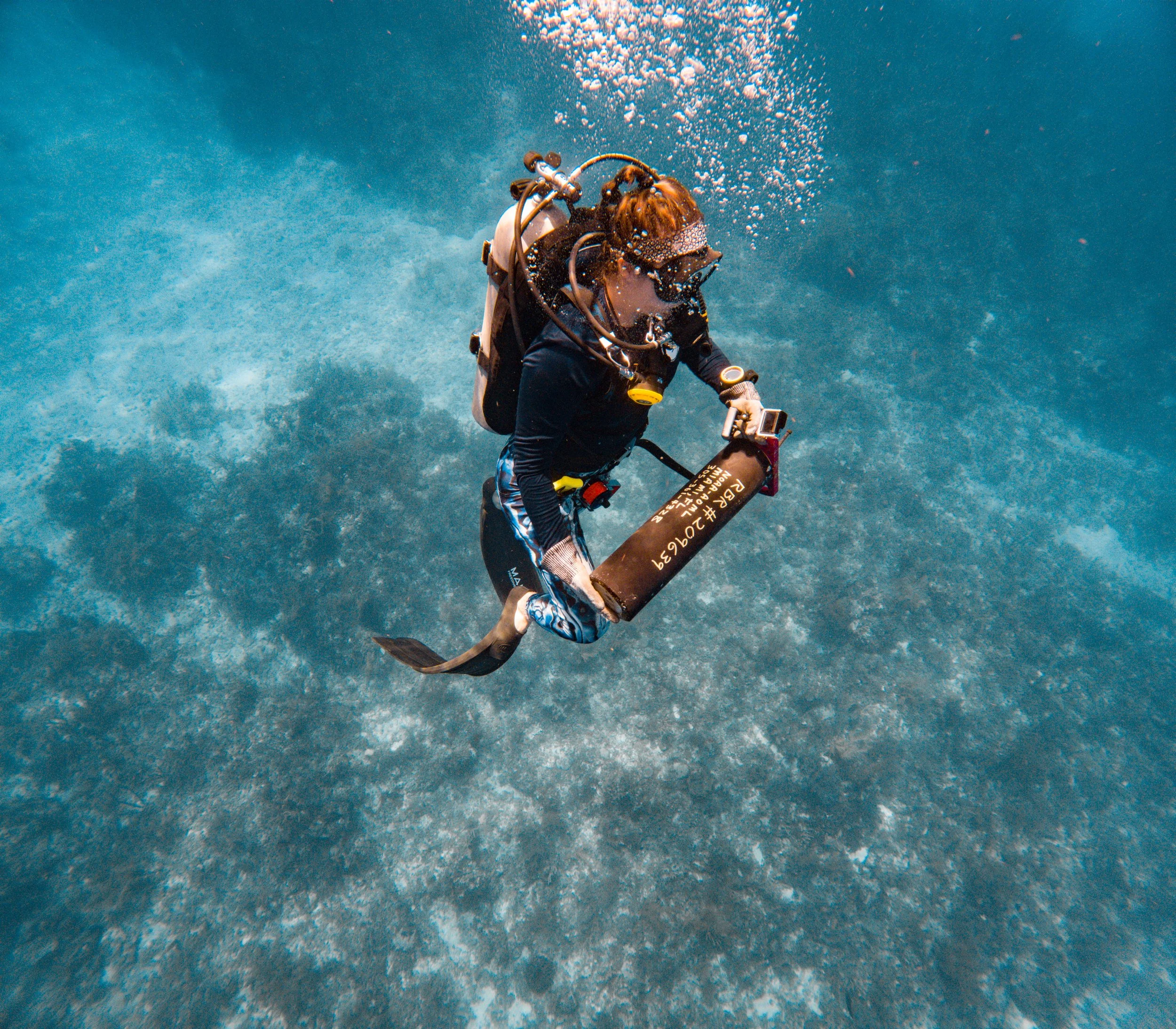
Leah Chomiak carries a scientific instrument retrieved from the seafloor that had been collecting data on the Florida Current.
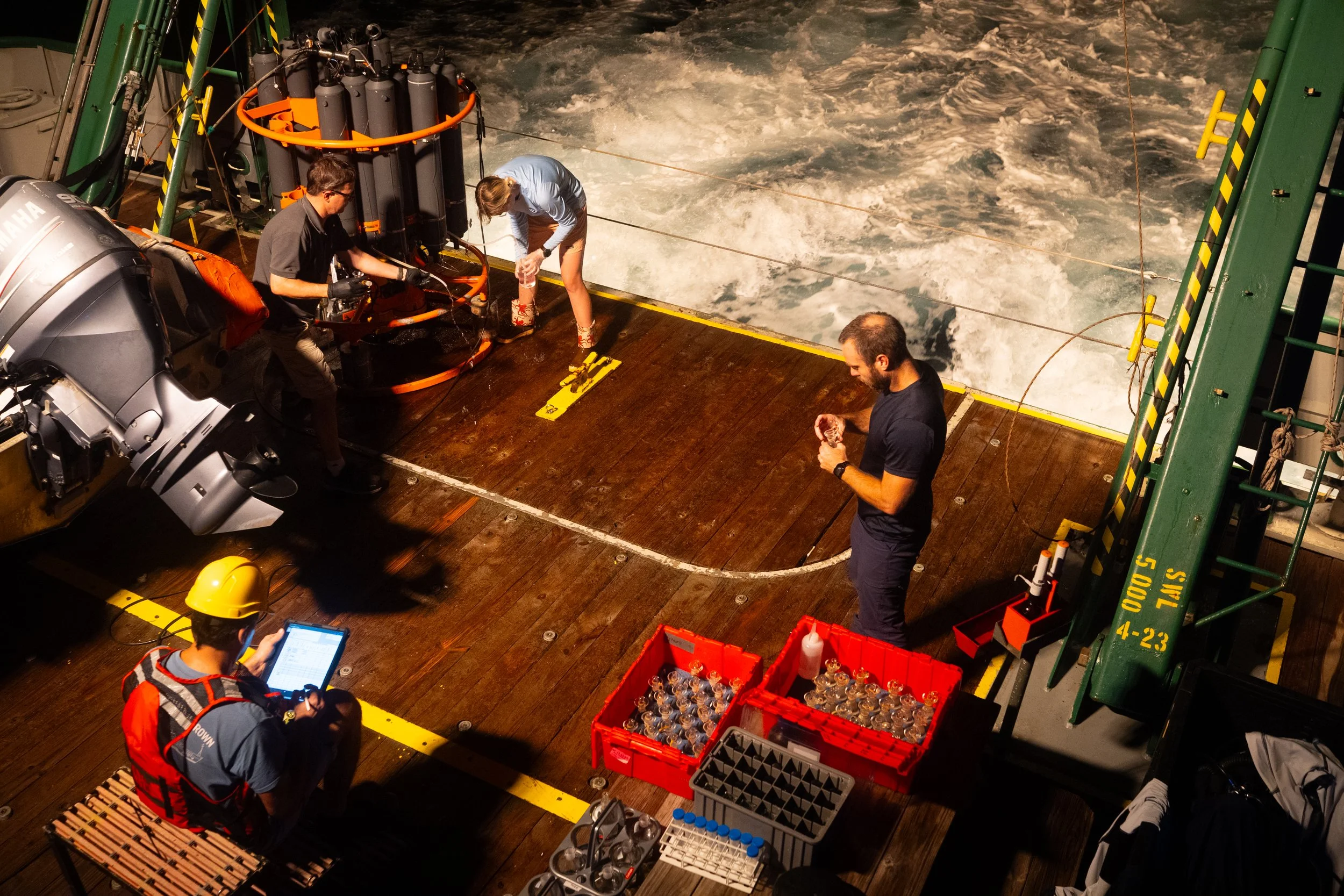
Scientists collect water samples from a recovered instrument in the early morning hours. From left are Denis Volkov, bottom, Ryan H. Smith, Tyler Christian, and Jay Hooper.
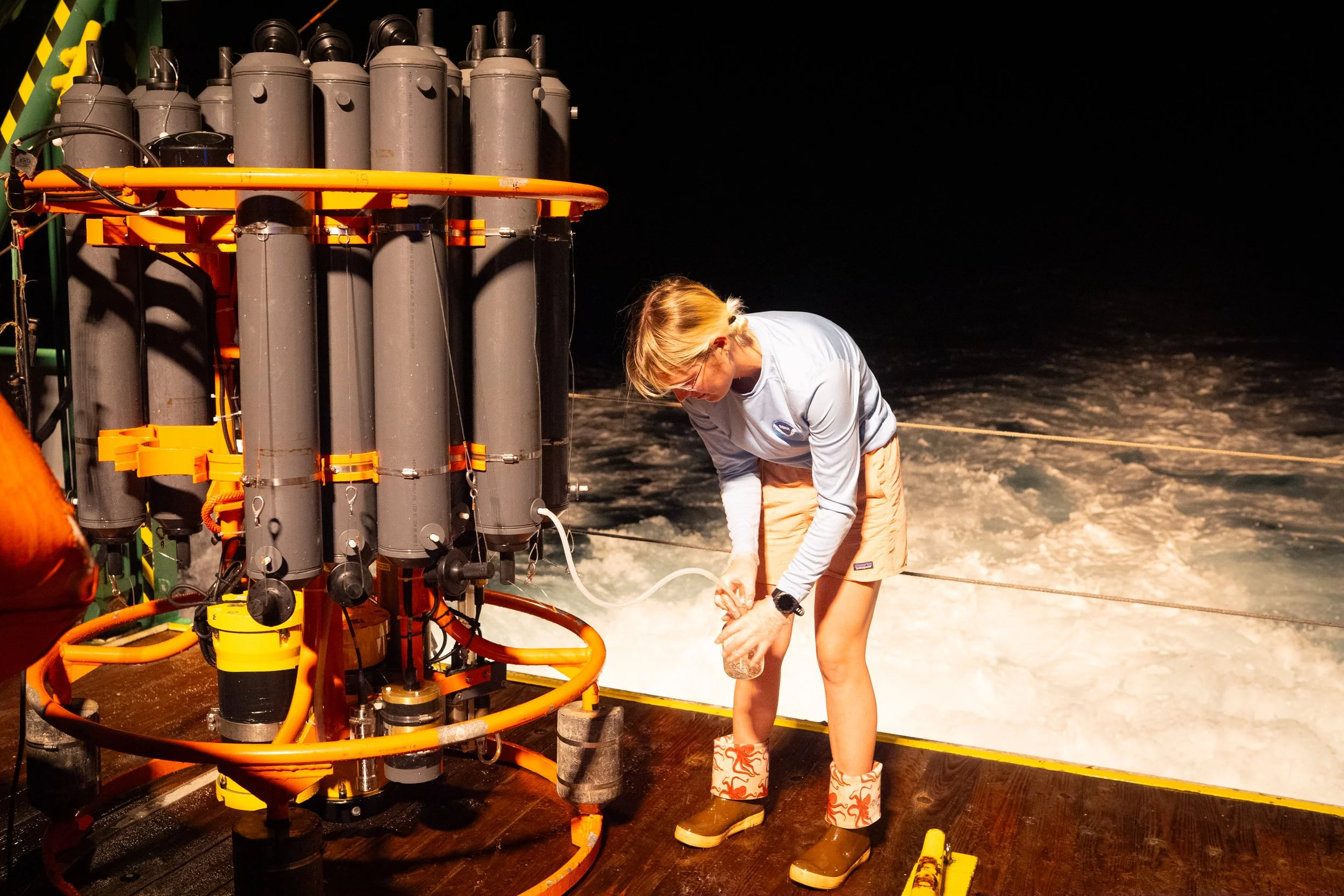
Tyler Christian, 26, a marine scientist and lab and field technician, collects ocean water from a recovered scientific instrument.
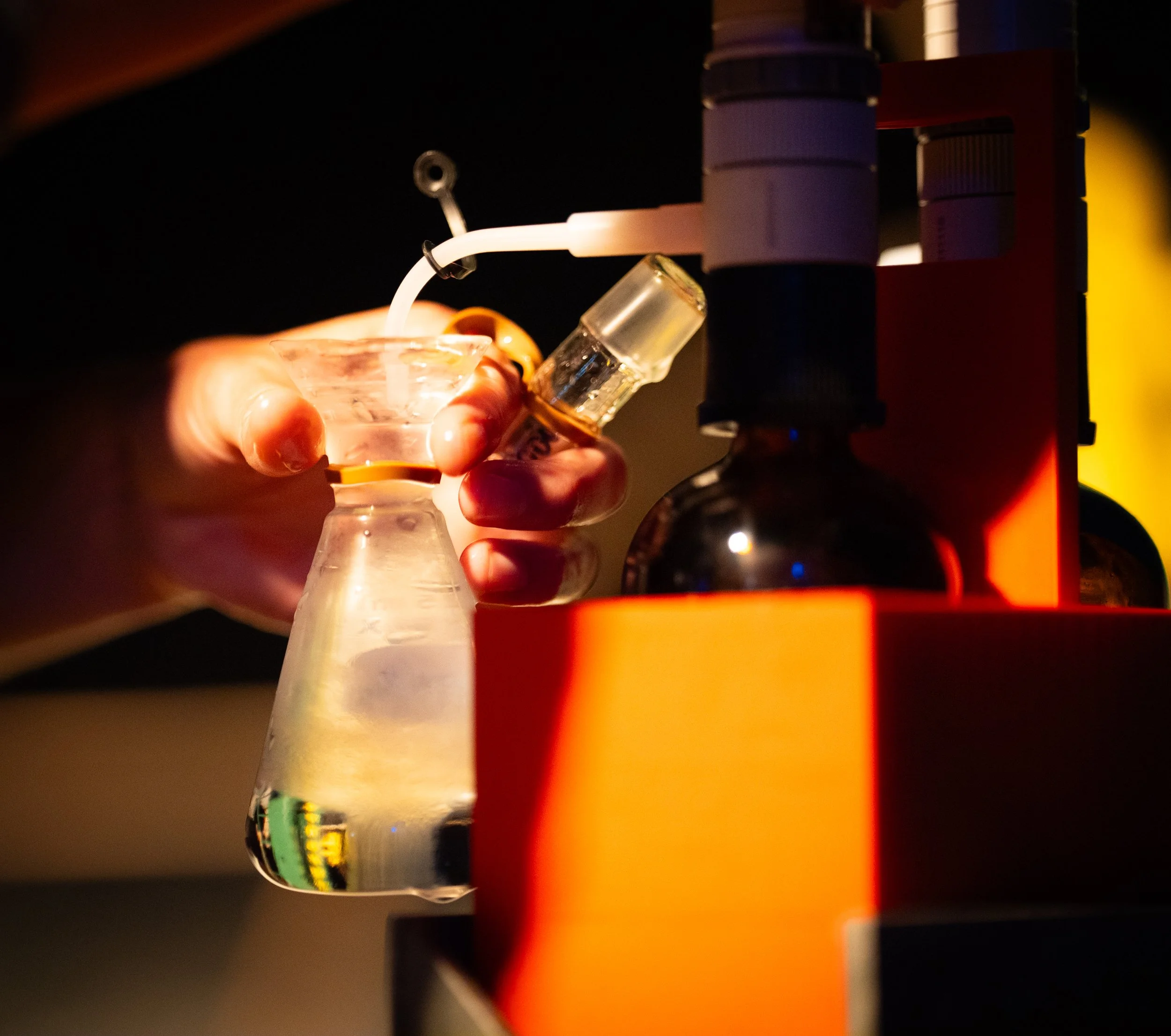
Water samples collected at sea are transported to a laboratory in Miami for analysis as part of ongoing research on the Florida Current.
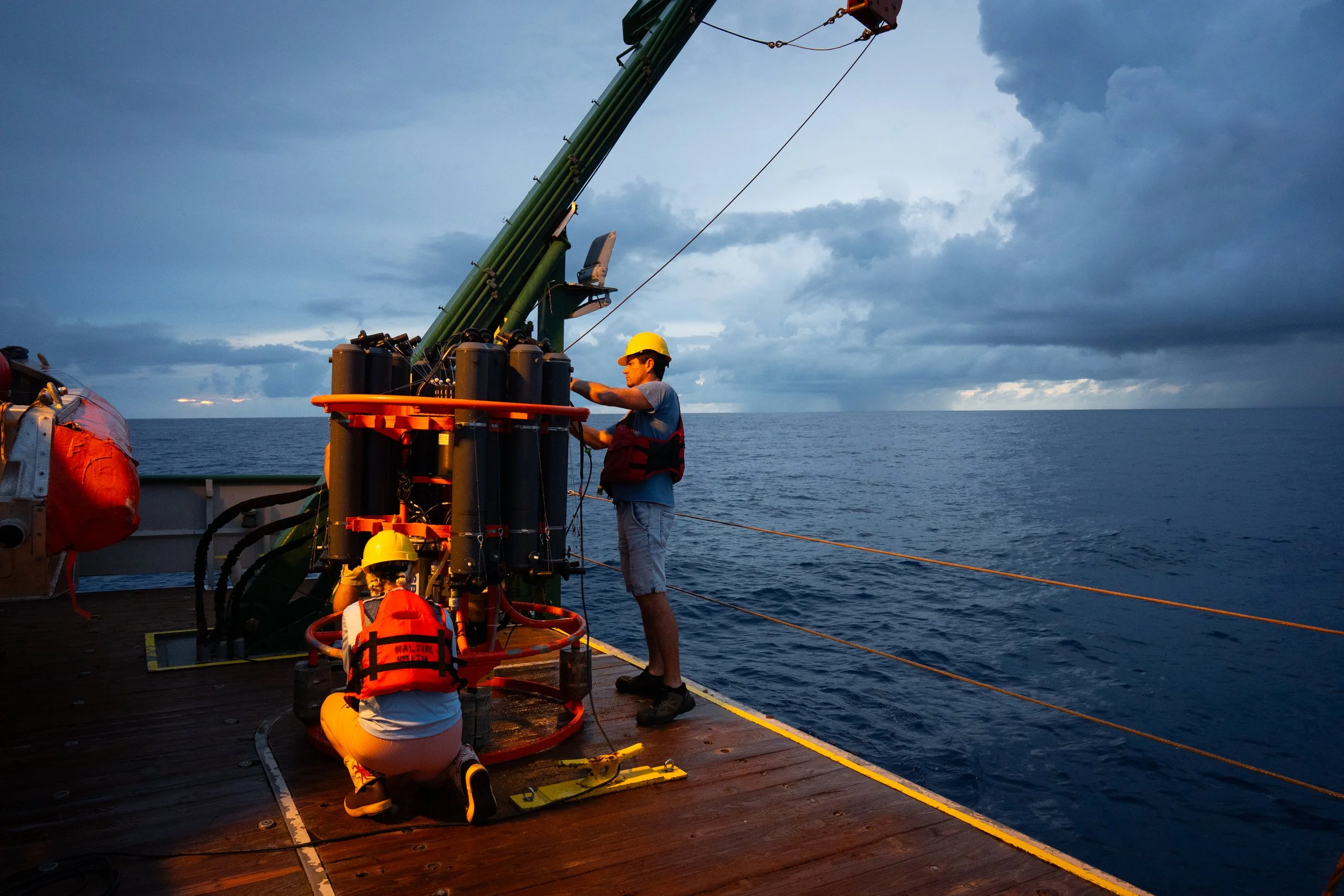
Tyler Christian and Denis Volkov, an oceanographer, collect ocean water from a recovered instrument during sampling operations.
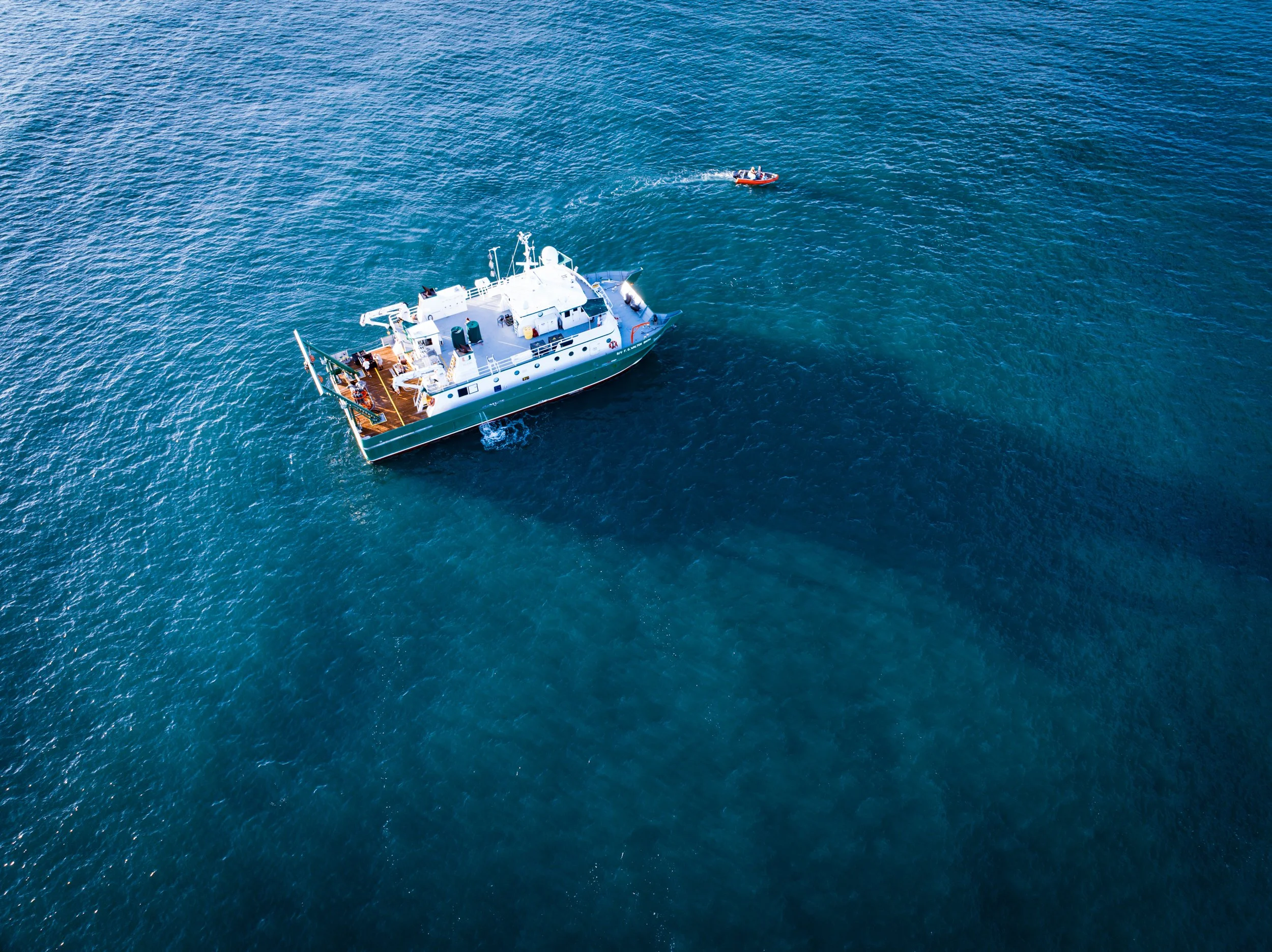
A dive boat carries scientists to a research site as data collection continues offshore on the morning of September 4, 2025.
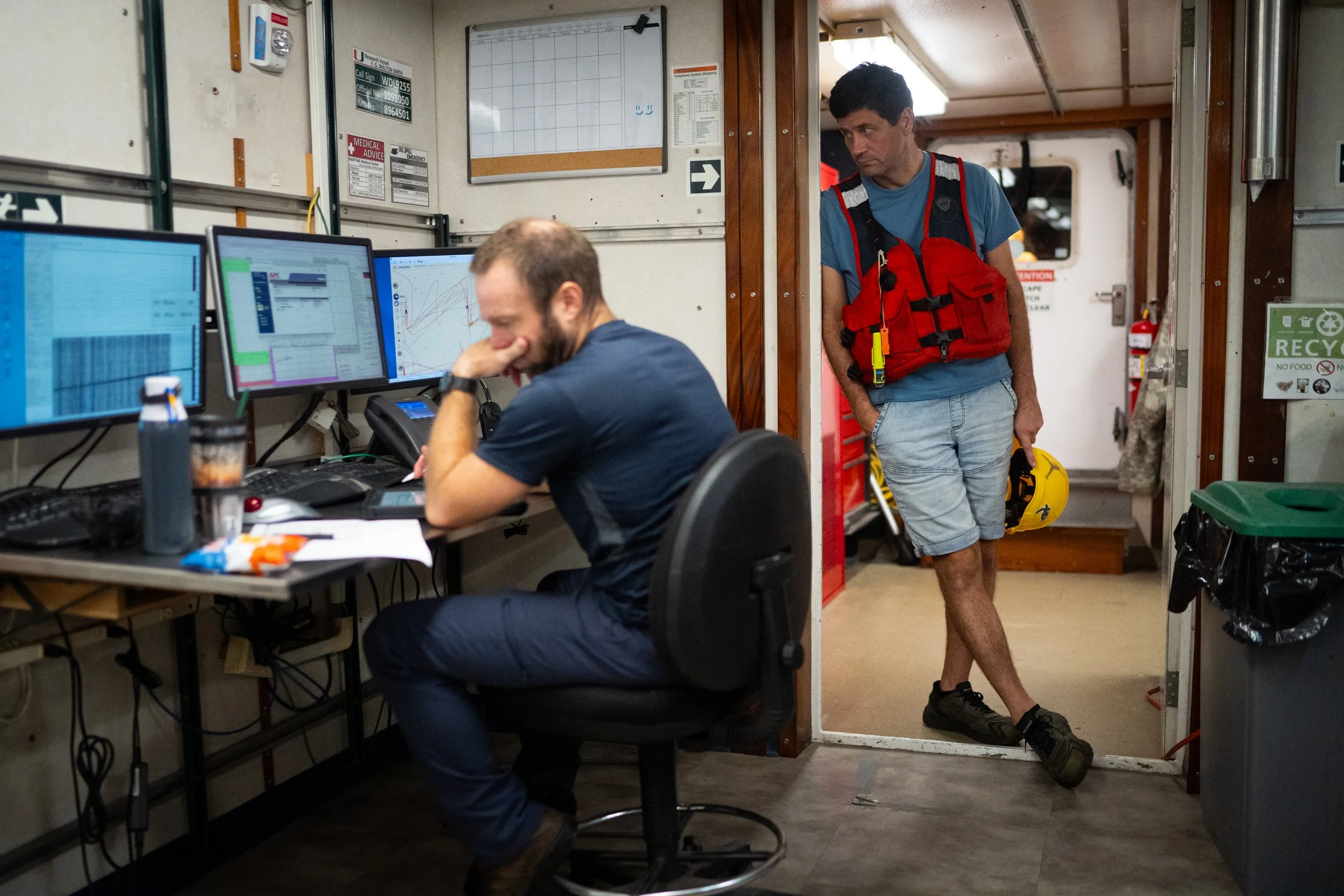
Around 4 a.m., Denis Volkov, right, leans against a wall as Jay Hooper, 42, works during overnight data collection.
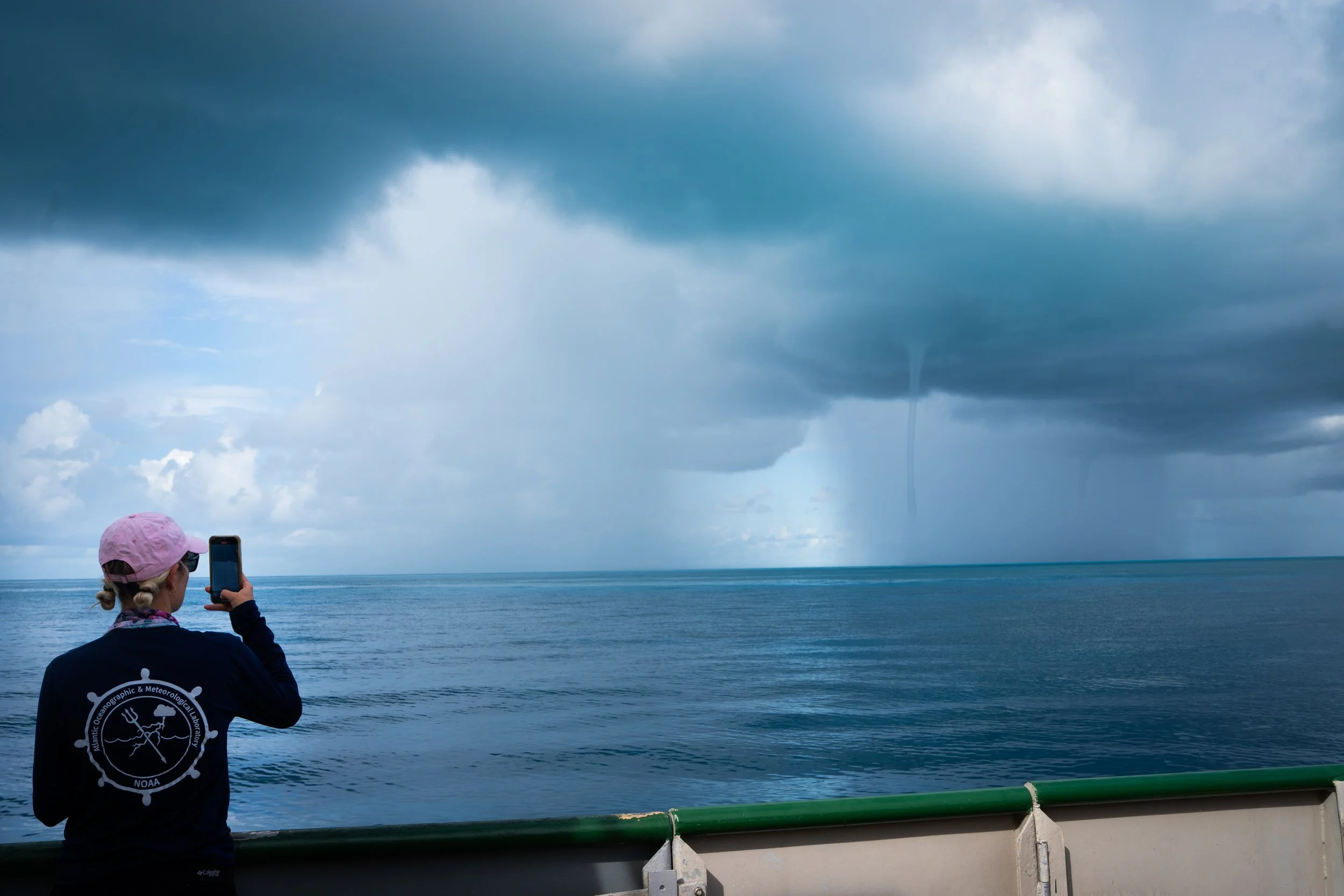
Tyler Christian photographs a waterspout during the research mission.
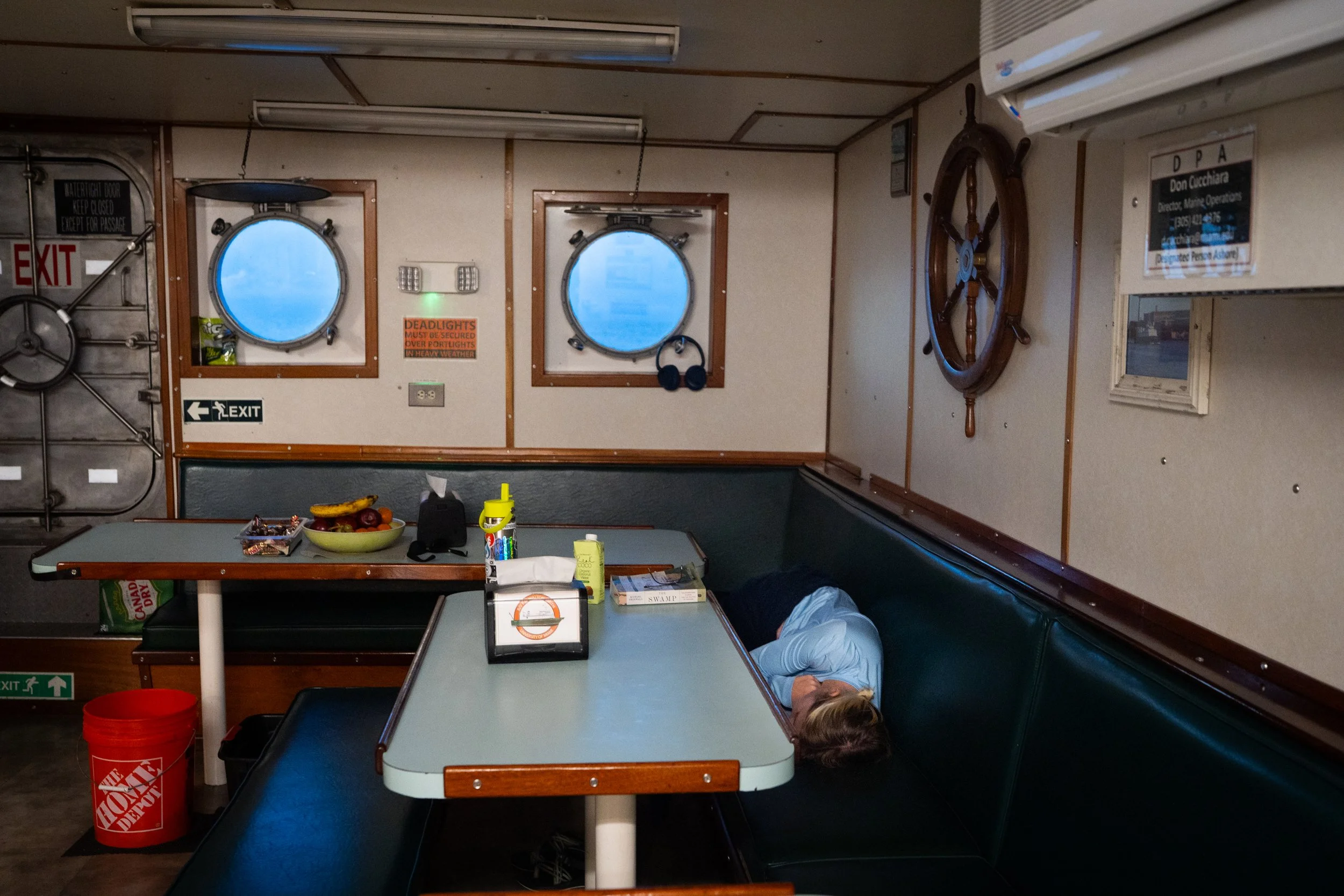
Tyler Christian takes a brief nap in the galley as the vessel travels back to Miami following days of fieldwork.
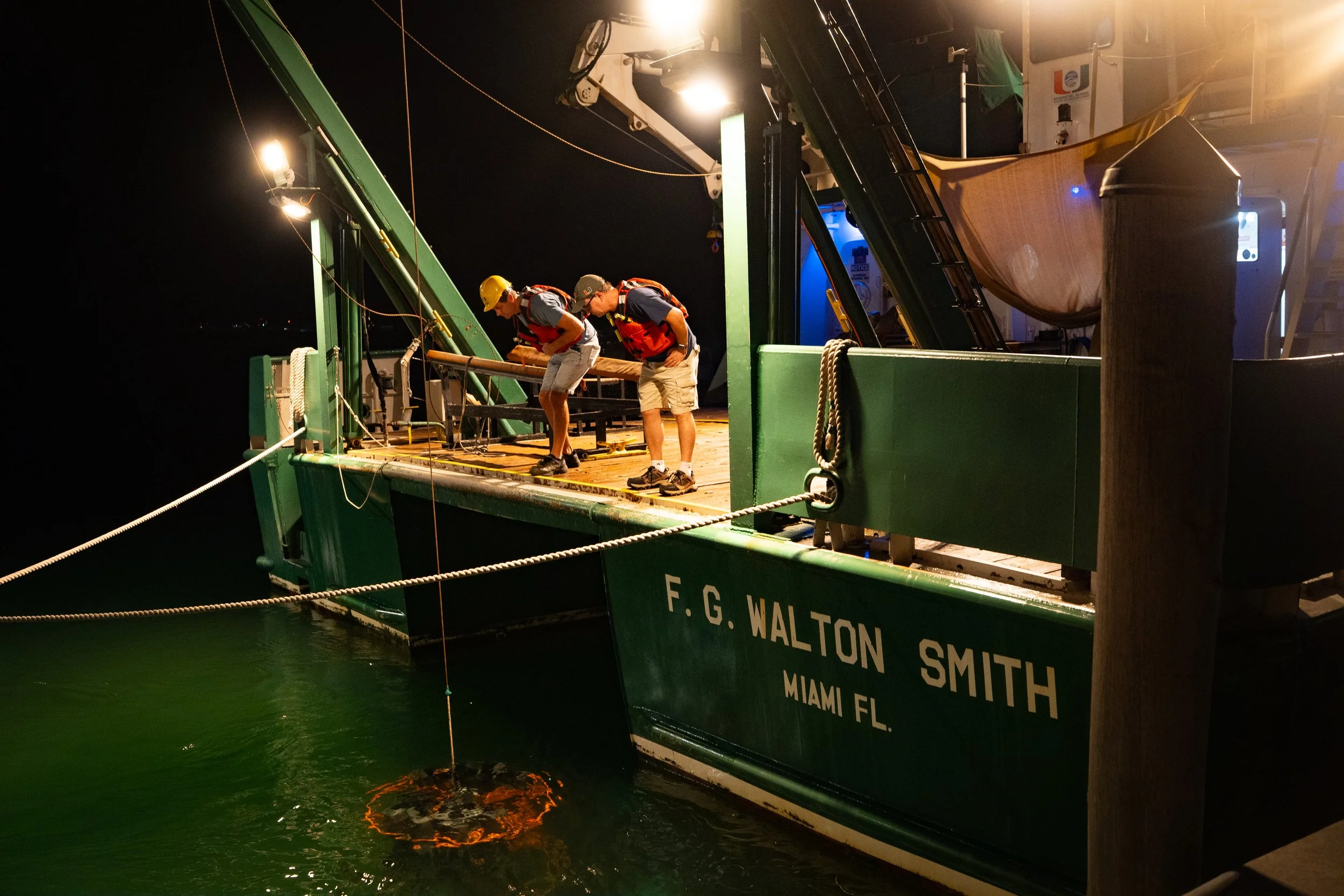
Oceanographers Denis Volkov, left, and Ryan H. Smith watch as an instrument used to sample the ocean is lowered into the water before the vessel departs for Bahamian waters.
Please see online article here:
https://www.washingtonpost.com/climate-environment/2026/02/15/climate-change-ocean-current/
Article is behind a paywall. If you need access, please use the following account.
username: washingtonpostaccess@gmail.com password: Access1234!